
Sample Video
Animate one or more images while preserving their visual identity
Image to Video adds motion to uploaded visuals. Seedance 2.5 uses one image as an exact first frame or two images as exact first and last frames. Seedance 2.0 can instead accept up to five ordered reference images, with an optional first and last frame mode.
Veo uses one image as the first frame or two images as the first and last frames. Compare supported video models, keep the prompt focused on change over time, and choose settings that match the source material and final channel.
- Portrait animation
- Product image motion
- Illustration and artwork animation
- Keyframe-to-shot prototyping
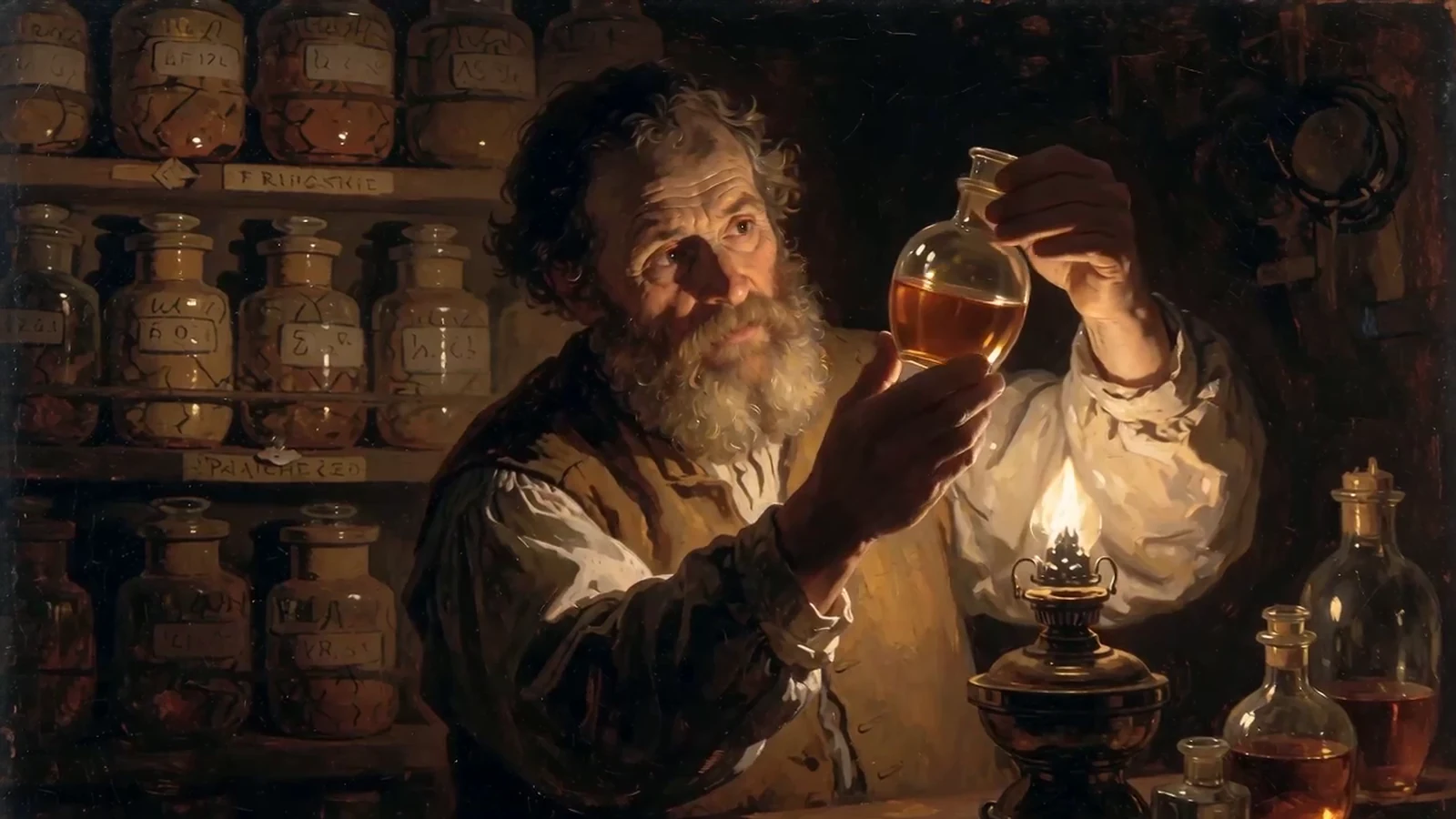
From input to a reviewable result.
Keep the first attempt focused, review the result, and change one variable at a time. This makes model comparisons and prompt improvements easier to evaluate.
- 01
Upload strong source images
Add one or two exact JPG, PNG, or WebP frames for Seedance 2.5, or use the limits shown for the selected Seedance 2.0 or Veo model.
- 02
Direct the motion
Describe subject movement, environmental motion, camera movement, and the desired pace without re-describing every visible detail.
- 03
Choose model and output
Select the model, Aspect Ratio, Resolution, duration, and audio options that suit the source and destination.
Choose the model for the job.
Models differ in visual character, instruction following, available controls, speed, and credit cost. Start with the option closest to your goal, then compare using the same input.
Seedance 2.5
Long-form multimodal video generation with precise reference control.
Create with Seedance 2.5Seedance 2.0 Mini
Efficient multimodal video generation for rapid creative iteration.
Create with Seedance 2.0 MiniSeedance 2.0 Fast
Fast directed video generation with flexible image, video, and audio references.
Create with Seedance 2.0 FastPractical tips before you generate.
- Use a clean source image without accidental crops or obstructed subjects.
- Separate camera movement from subject movement in the prompt.
- Begin with subtle motion when preserving a face, logo, or product shape is critical.
- Keep the output Aspect Ratio close to the reference image to reduce reframing.