
Sample Video
Guide an AI video with ordered visual and audio references
Reference to Video uses source media as creative guidance rather than fixed first and last frames. Veo accepts material images, while Seedance 2.5 and Seedance 2.0 can combine ordered image, video, and audio references.
Choose the model first to see its exact upload limits, then refer to each asset in the prompt as @Image1, @Video1, or @Audio1.
- Character consistency
- Product-led video
- Style-guided scenes
- Campaign visual continuity
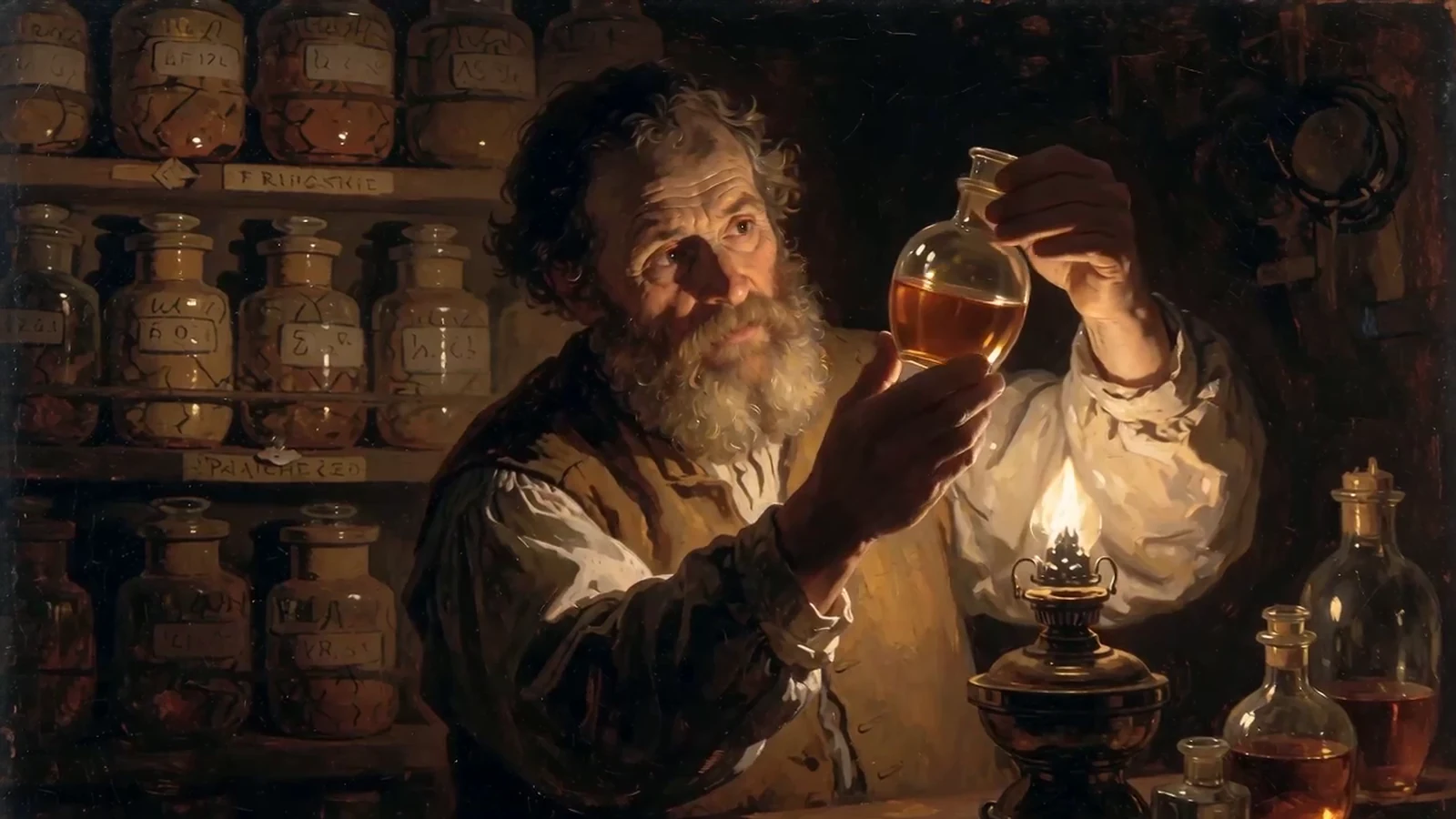
From input to a reviewable result.
Keep the first attempt focused, review the result, and change one variable at a time. This makes model comparisons and prompt improvements easier to evaluate.
- 01
Add reference materials
Upload the supported images, videos, or audio files shown for the selected model.
- 02
Describe the shot
Explain the scene, action, camera movement, atmosphere, and how the referenced elements should appear.
- 03
Choose the output
Select the model, Aspect Ratio, Resolution, Duration, and audio settings available for the shot.
Choose the model for the job.
Models differ in visual character, instruction following, available controls, speed, and credit cost. Start with the option closest to your goal, then compare using the same input.
Seedance 2.5
Long-form multimodal video generation with precise reference control.
Create with Seedance 2.5Seedance 2.0 Mini
Efficient multimodal video generation for rapid creative iteration.
Create with Seedance 2.0 MiniSeedance 2.0 Fast
Fast directed video generation with flexible image, video, and audio references.
Create with Seedance 2.0 FastPractical tips before you generate.
- Use references with a consistent character or product identity.
- Avoid images with conflicting styles unless the prompt explains how to combine them.
- Describe motion and camera behavior instead of repeating every visible detail.
- Use 16:9 for landscape delivery and 9:16 for vertical delivery.