
Advanced settings
Sample Image
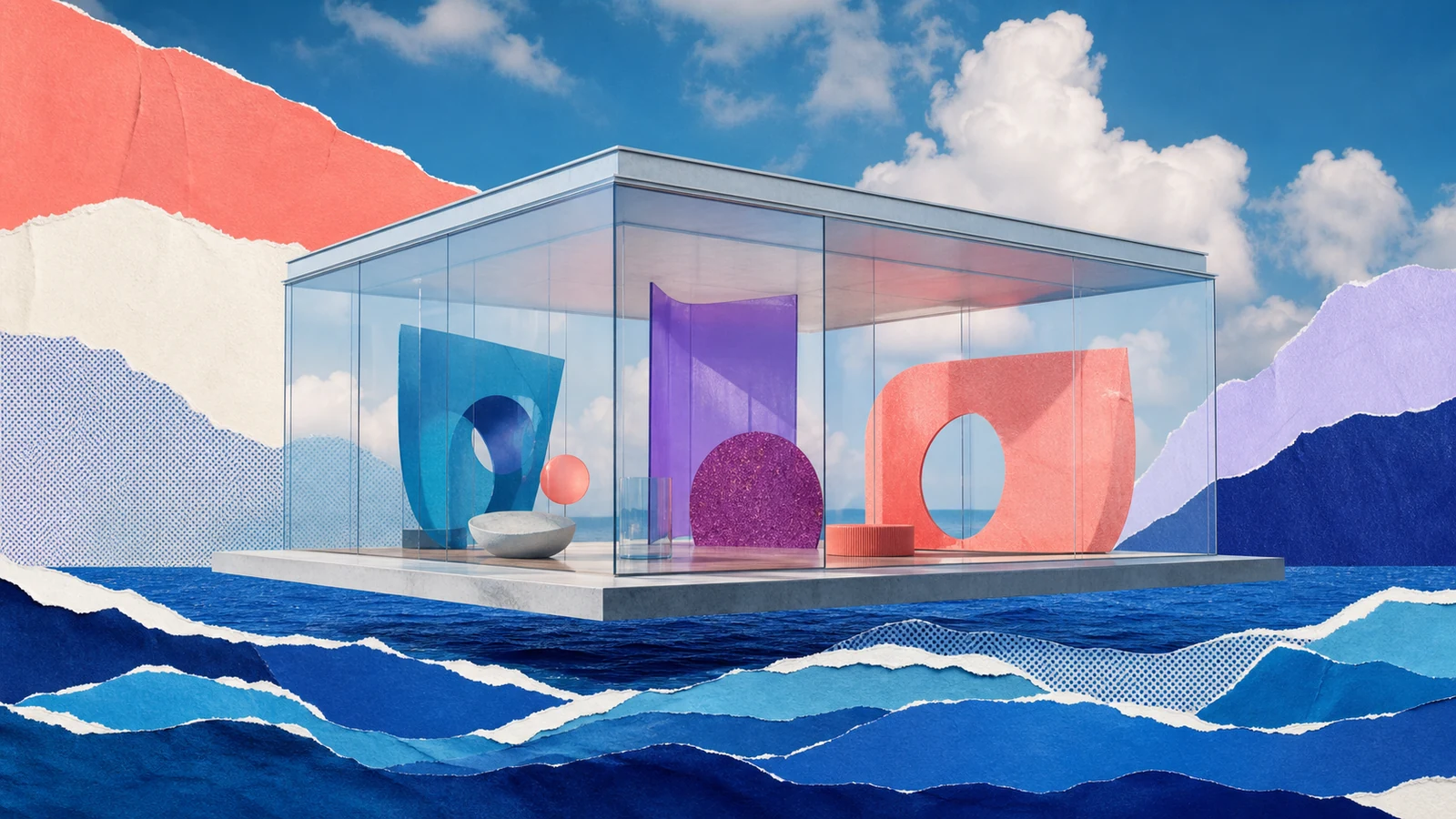
Turn a written idea into a finished AI image
Text to Image creates a new visual from a prompt. A useful prompt defines the subject, environment, composition, lighting, materials, and intended visual language without burying the core idea in unnecessary keywords.
GenVisuals lets you compare Nano Banana 2 for fast instruction following and flexible outputs with GPT Image 2 for premium detail, typography, and multi-reference work, then set Aspect Ratio and Resolution.
- Campaign concepts
- Editorial illustrations
- Product visualization
- Social and presentation graphics
From input to a reviewable result.
Keep the first attempt focused, review the result, and change one variable at a time. This makes model comparisons and prompt improvements easier to evaluate.
- 01
Describe the visual
Name the subject first, then add setting, composition, lighting, materials, color, and style cues.
- 02
Choose an image model
Compare models for realism, typography, aesthetic direction, editing strength, and credit cost.
- 03
Set size and generate
Select Aspect Ratio and Resolution, review the credit estimate, and create the image.
Choose the model for the job.
Models differ in visual character, instruction following, available controls, speed, and credit cost. Start with the option closest to your goal, then compare using the same input.
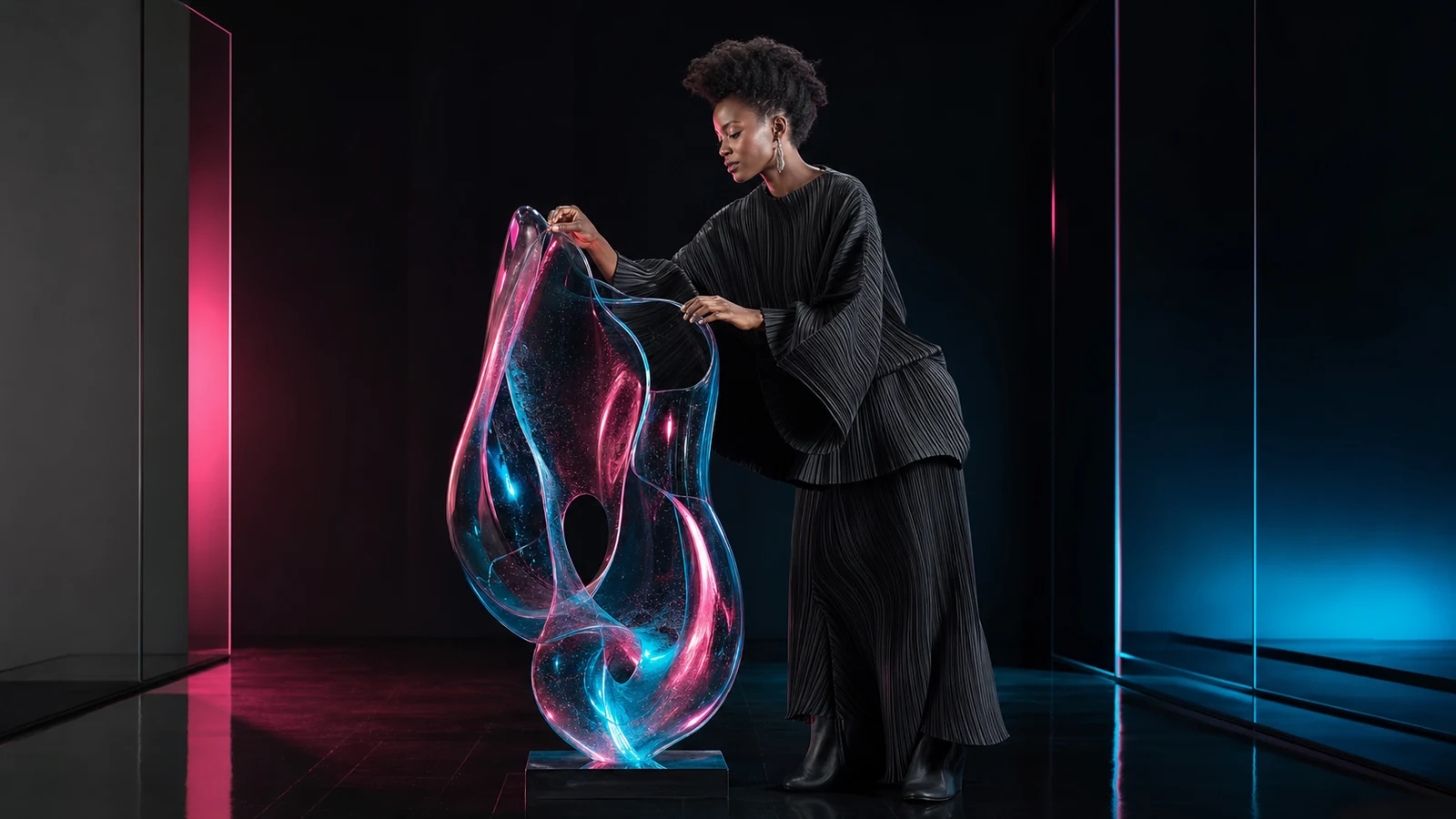
Practical tips before you generate.
- Put the main subject and composition near the beginning of the prompt.
- Use specific lighting and lens language only when it supports the visual goal.
- Choose Aspect Ratio for the intended placement before generating variations.
- Iterate one creative variable at a time so you can identify what improved the result.